
To organise a recurring casual football game, keep the regular players in one permanent group, publish each fixture early, collect an explicit in/out status, promote reserves in order, confirm the teams and save the result. Repeating that routine removes most of the organiser’s weekly chasing.
Why the group chat becomes hard work
WhatsApp is excellent for conversation, but the player list is hidden inside the conversation. A “yes” can refer to the wrong week, a late withdrawal can be missed, and the organiser ends up reconstructing the truth from messages, reactions and private replies.
The answer is not to stop the chat. Keep it for banter and last-minute context, while using one shared match record for the details that need a single correct answer.
A dependable five-step routine
1. Create one permanent home for the group
Add the regular players once. Give everybody the same invite link or code and keep future fixtures, availability, results and statistics attached to that group. This prevents the organiser from rebuilding a spreadsheet or poll every week.
2. Schedule early and include the decision-making details
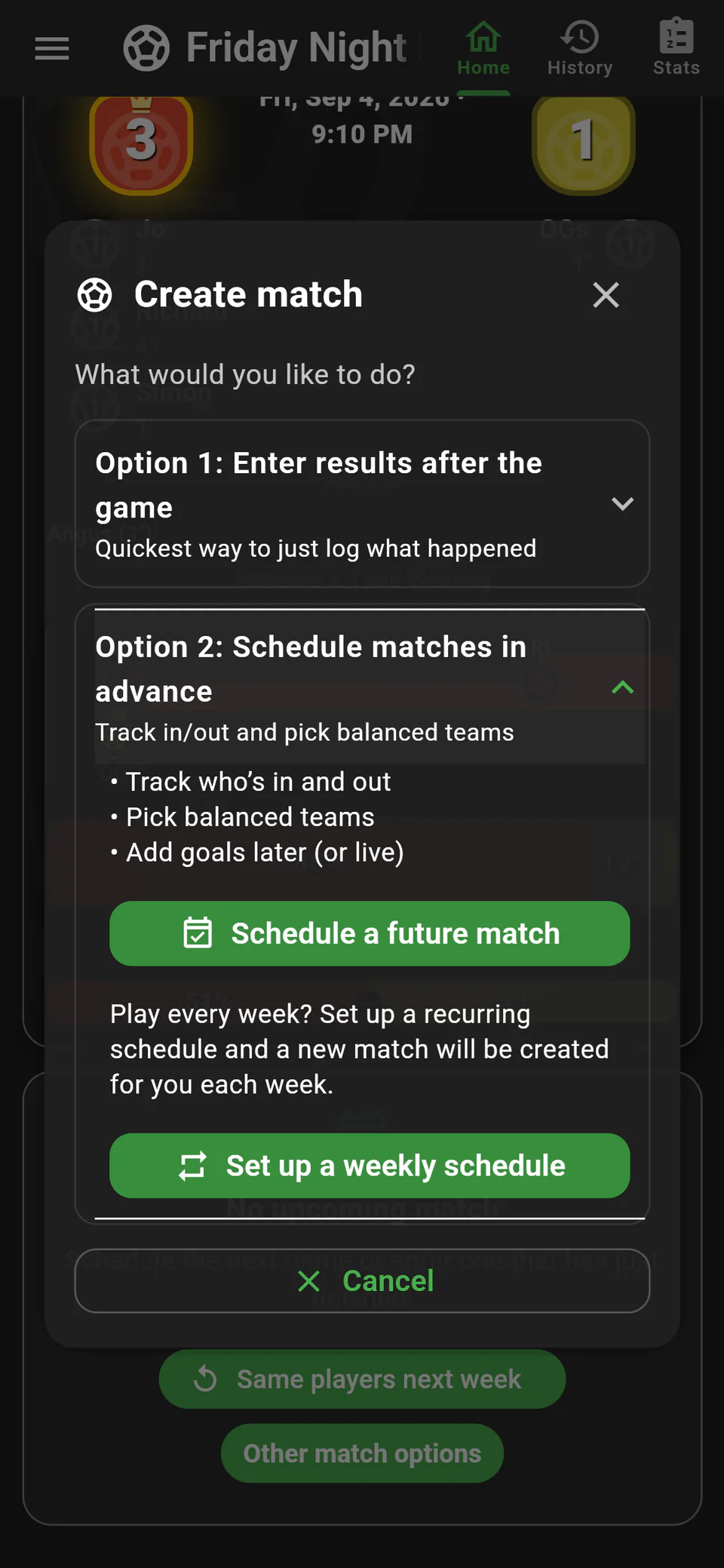
Publish the date, kick-off time, venue and maximum number of players. If the game repeats weekly, schedule it as a recurring fixture. Players can then make a real decision instead of waiting for the organiser to answer follow-up questions.
3. Ask for an explicit status
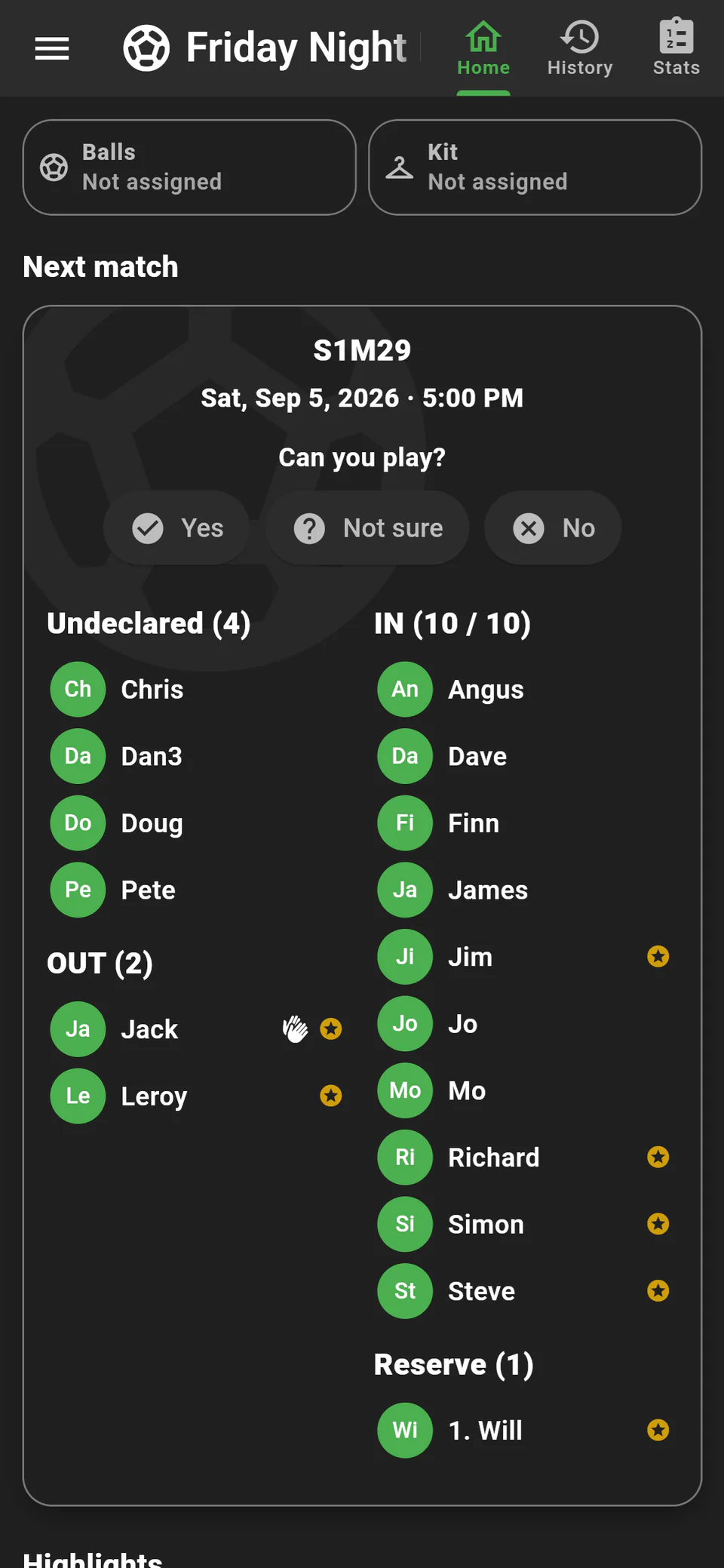
Use three useful states: in, out and undecided. Silence is not the same as “out”. Set a response deadline and make the reserve policy visible before the match fills.
4. Freeze the list and share the teams
At the agreed deadline, promote reserves to replace withdrawals and confirm the players. Divide them into two sides using the best evidence available, then share the teams. A clear cut-off reduces the cycle of provisional changes.
5. Save at least the final score
You do not need to record every goal. Saving the score and the players who took part gives the group a useful history and improves future balancing. Add scorers, assists or live events only if the group enjoys that detail.
What to do in the first week
- Create the group and invite only the regular players.
- Schedule the next real fixture rather than a test match.
- Ask everybody to mark themselves in or out.
- Use the reserve list once the player limit is reached.
- Record the final score, even if you record nothing else.
This gives players an immediate reason to join. Asking everyone to install an app without a real upcoming game creates work before it creates value.
When Our League is—and is not—the right fit
It is a strong fit when you already have a recurring group of mates, the available players change from week to week and you split them into different teams each game.
It is not designed primarily for finding unknown players nearby, booking a pitch, managing a fixed club squad against formal opponents or administering an external competition. Being clear about that boundary helps groups choose the right tool.
Ready for next week’s game?
Create the group once, send one invite and let the players maintain the list themselves.
Create your group free